
Chord.Rocks - Free Interactive Tool for Musicians and Composers
Select an Instrument and Page
On the Chords page, select a chord and see how to play it the selected instrument. On the Scales page, select a scale and see which notes and which chords are in the scale. On the Identify Chord and Identify Scales pages, select notes and see which chord or scale is composed of the selected notes.
Stringed Instruments
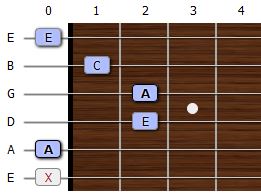
View chords and scales on the neck of a guitar or other stringed instrument. Multiple finger positions per chord, a capo on any fret, predefined tunings, and custom tuning are supported. The frets can be reversed for a left handed view of the neck.
Piano
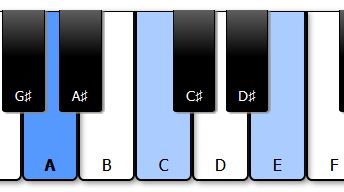
View notes on a standard keyboard with white and black keys.
Notes Only

Play another instrument? Want to only see the notes? Simply go one of the pages without selecting an instrument to view a non-instrument specific interface.
Go to:Drum Machine
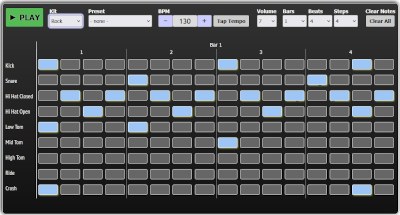
Create your own custom beats using an online beat sequencer. Choose from rock, electronic, hip hop, or jazz kits. Great for making looped beats to practice, jam, or write music with.
Go to:
Drum Machine